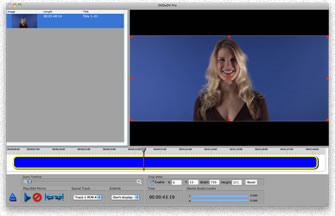
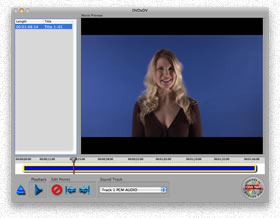
DVDxDV allows you access to any video that you have ever created with just a few simple clicks.  When you store your video on a DVD, DVDxDV can extract it to your computer quickly and easily.  Storing a video on a DVD means that you don't have to fill up your hard drive with video files.  When you need a particular video clip, just put the DVD in your computer and run DVDxDV to grab the portion of the video that you want.  

DVDxDV is designed to allow anyone to get video off of a DVD.  While other programs can take a great deal of time to learn, DVDxDV is designed for people who expect things to be intuitive.

DVDxDV will automatically load the video clips from a DVD for you.  Once loaded, you simply select the video you want and click to extract.

Many DVD conversion programs destroy the video by converting it from interlaced to progressive scan.  This conversion causes the video to look terrible when viewed on a television screen.  DVDxDV can preserve the native interlaced format of the DVD when you want to export the video back to a DVD or minDV tape.  Therefore, you can be assured the image quality is well maintained throughout the production process.

MacIntosh OS X (10.3.9 or higher)
Apple Quicktime 7.03 or higher