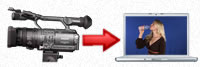
Real-time chroma keying from any compatible video camera. There's no need to guess about what the final shot will look like. Now, you can see it.
High Definition Video Scopes
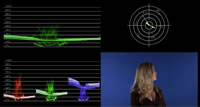
Eliminate bad video forever using our profession grade real-time scopes. Our scopes support Rec 709 (HD) and Rec 601 (SD) and are full raster.
High/Low Zebra patterns
High and low zebra patterns give you feedback on when something is too bright or too dark in the video.
Overscan/Title Safe overlays
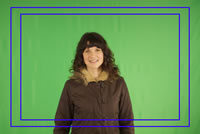
See what part of the frame will show up when the video displayed on a television set.
Final Cut Pro XML Export
Send a Veescope Live project to Final Cut Pro via XML with all the logging, keying, and effects. This feature requires the Veescope Key plug-in which must be purchased separately.
Camera Connectivity
Veescope Live works with HDV, DVC Pro, and DVC Pro HD cameras. Connect via HDMI, HD-SDI and Analog video via any Quicktime compatible capture card.
Digital Video Recorder
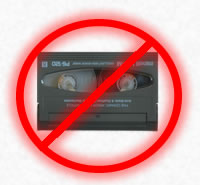
Record direct to disk from any compatible video camera.
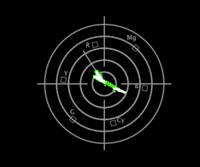
Vectorscope
A vectorscope will help perfectly light a chroma key backdrop. Get perfect flesh tones every time with the vectorscope's built in flesh line.
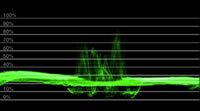
Waveform Monitor
Adjusting the lighting in a scene has never been easier with this waveform monitor.
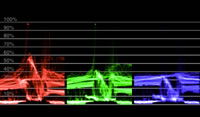
RGB Parade
Check your red, green, and blue levels with the RGB Parade.